Property Card Maharashtra: Complete Guide for Urban Property Buyers (2026)
Anurag Sodani • June 29, 2026
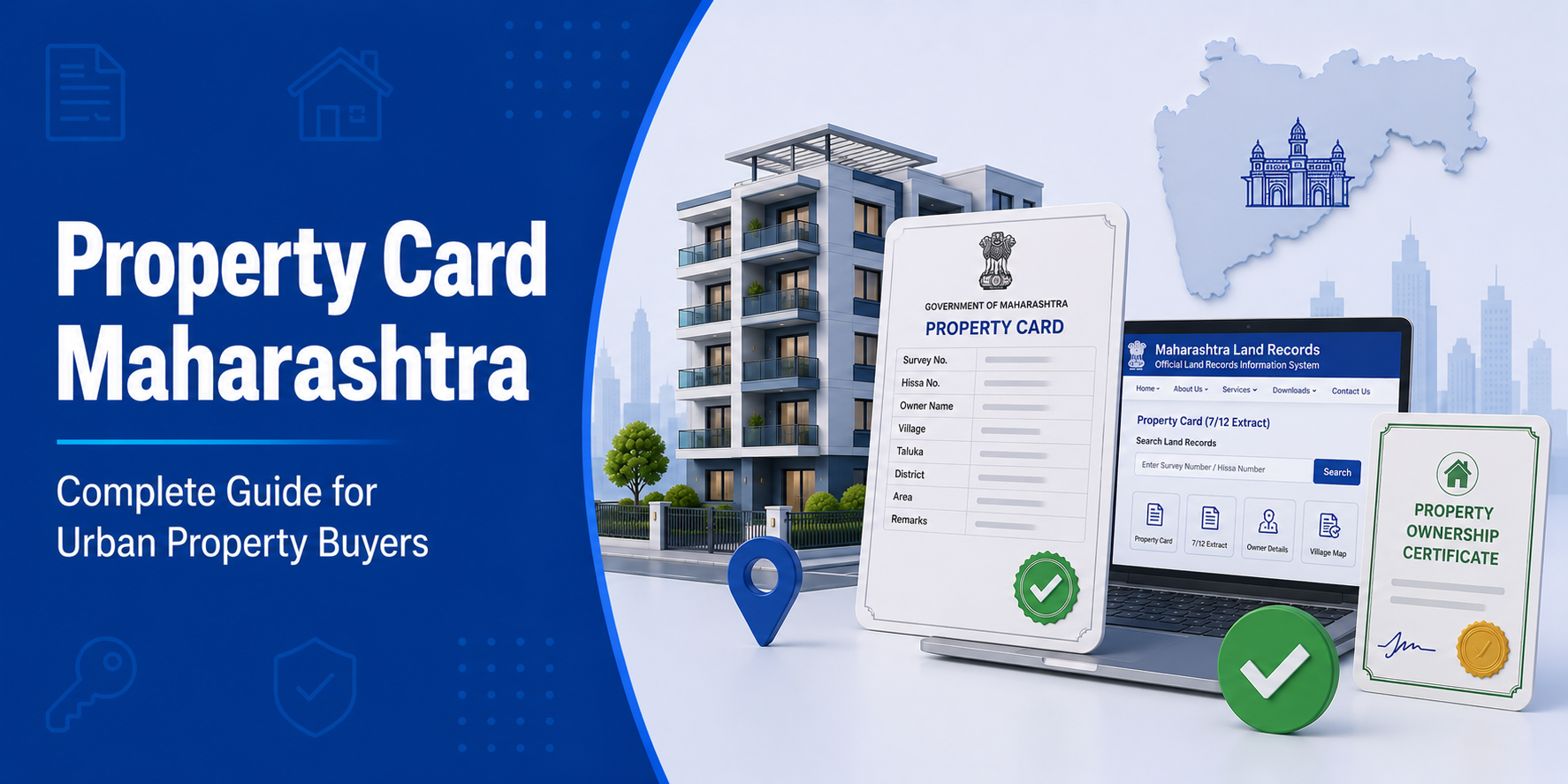

If you are buying a flat, plot, or any urban property in Maharashtra, property card Maharashtra is one of the most critical documents you need to understand. Just as the 7/12 extract (Satbara Utara) serves as the official land record for rural and agricultural land, the property card is the authoritative document for properties located in cities and towns across the state. Whether you are applying for a home loan, registering a sale deed, or verifying ownership before purchase, this guide covers everything you need to know.
What Is a Property Card in Maharashtra?
The City Survey Office (Nagar Bhumapan Karyalay) of the Maharashtra government issues a Property Card as an official land record for urban properties. People also refer to it as a City Survey Card or CTS Card.
The Maharashtra government prepares the Property Card under the Maharashtra Land Revenue Code and officially accepts it as proof of ownership for properties in municipal corporation and municipal council areas.
A standard property card Maharashtra includes:
- CTS Number (City Survey Number) of the property
- Name of the registered owner
- Area of the property
- Type of property (residential or commercial)
- Details of ownership rights
- Encumbrances (loans or liabilities on the property)
- Mutation (Ferfar) entries
What Is a CTS Number?
CTS stands for City Survey Number (also referred to as City/Town Survey Number). The City Survey Office assigns a unique CTS number to every urban property.
Just as revenue authorities identify rural land with a Survey Number or Gat Number, the City Survey Office identifies urban properties in Maharashtra with a CTS number.
You can use the CTS number for the following purposes:
- During property registration
- While filling home loan applications
- In property purchase and sale documents
- For paying municipal (property) taxes
- During legal proceedings related to the property
If you are applying for a home loan on an urban property, having the CTS number and a current property card ready will significantly speed up the documentation process.
Property Card vs 7/12 Extract: What Is the Difference?
This is one of the most common questions from Maharashtra property buyers. Both are land records, but they serve different purposes and apply to different areas.
| Parameter | 7/12 Extract (Satbara Utara) | Property Card Maharashtra |
|---|---|---|
| Applicable Area | Rural / agricultural land | Urban / municipal areas |
| Issuing Authority | Talathi / Revenue Department | City Survey Office |
| Crop Details | Included | Not applicable |
| Purpose | Records rights over agricultural land | Records urban property ownership |
| Primary Users | Farmers, rural landowners | Urban property buyers |
In simple terms: if you are buying property in a city or town, you need a property card Maharashtra. If you are buying agricultural land in a village, you need the 7/12 extract.
Mahabhulekh Property Card: How to View and Download Online
The Maharashtra government has made property cards accessible online through the Mahabhulekh portal, alongside 7/12 extracts and other land records. Here is how to access yours:
Step 1: Visit the official portal at https://bhulekh.mahabhumi.gov.in
Step 2: Select your revenue division from the Maharashtra map.
Next Step 3: Choose the Property Card option from the record types available.
Step 4: Select your district, taluka, and city or town.
Step 5: Search by CTS number or the owner’s name.
Next Step 6: The property card Maharashtra will appear on screen — download it or take a printout.
Note: The version downloaded directly from Mahabhulekh is useful for reference. For official purposes such as home loans, property registration, or court submissions, you may need a digitally signed copy through the Aaple Sarkar Portal.
How to Get a Digitally Signed Property Card
A digitally signed property card carries legal weight and is accepted by banks, courts, and government offices.
Steps to obtain a digitally signed property card:
- Visit https://aaplesarkar.mahaonline.gov.in
- Register or log in with your mobile number.
- Navigate to Revenue Services → Property Card.
- Enter the CTS number and property details.
- Pay the applicable fee (verify the current fee on the portal).
- Download the digitally signed PDF once it is processed.
Alternatively, visit a Common Service Centre (Jan Seva Kendra) near you if you prefer offline assistance.
Importance of Property Card Maharashtra
Proof of Ownership
The property card is the primary official document that establishes who legally owns an urban property in Maharashtra. All government authorities, banks, and courts rely on it to verify ownership claims.
Required for Home Loans
Banks and housing finance companies ask for the property card Maharashtra when processing home loans on urban properties. Without a valid and updated property card, loan approval can be delayed or rejected.
Use the Home Loan Eligibility Calculator to check how much loan you qualify for and plan your purchase accordingly.
Mandatory for Property Registration
The Sub-Registrar Office verifies the property card during sale deed registration. An outdated or incorrect card can create complications during registration.
Used in Dispute Resolution
If any ownership dispute arises, the property card is one of the primary pieces of evidence submitted before courts or revenue authorities.
Basis for Municipal Tax Assessment
Municipal corporations (Maha Nagar Palika) use the CTS number and property card details to determine and collect property taxes.
Does Urban Property Have a 7/12 Extract?
This is an important question and the answer is straightforward.
No.
Properties located within municipal corporation and municipal council limits in cities like Mumbai, Pune, Nagpur, and Thane do not have a 7/12 extract. For these properties, property card Maharashtra is the official land record.
However, in some fringe or peri-urban areas where properties are still under revenue records, a 7/12 extract may exist. In such cases, buyers should verify records at both the City Survey Office and the Talathi office before completing the purchase.
Mutation in Property Card: What It Means and How It Works
When the ownership of an urban property changes, the new owner’s name must be updated in the property card. This process is called mutation.
When is mutation required?
- After purchasing a property
- After inheriting property through succession
- After receiving property as a gift deed
- After a court order changes ownership
How to apply for mutation:
- Submit an application at the City Survey Office.
- Attach the registered sale deed, death certificate (for inheritance), or court order, as applicable.
- The office verifies the documents and updates property card Maharashtra with the new owner’s name.
Important: Registering the sale deed alone does not update your name in the property card. Mutation must be applied for separately. Without mutation, the previous owner’s name continues to appear in the official records.
Documents Required Along With Property Card for a Home Loan
When you apply for a home loan on an urban property in Maharashtra, lenders typically ask for the following:
- Property card Maharashtra (latest, updated copy)
- Registered sale deed
- Encumbrance certificate
- Mutation entry confirmation
- Building plan approval (if construction is involved)
- Municipal tax receipts
- Identity and address proof
If you are building a home on your urban plot, explore Home Construction Loan options that are specifically designed for this purpose.
You can also use the Home Loan EMI Calculator to calculate your monthly repayment amount and plan your finances before submitting your application.
Common Issues Buyers Face With Property Cards
Problem: Property card still shows the previous owner’s name
Solution: Apply for mutation at the City Survey Office immediately after registering the sale deed. Carry the registered sale deed and a copy of the current property card.
Problem: Area mentioned on the property card does not match the sale deed
Solution: Get the property resurveyed by the City Survey Office and apply for a correction before proceeding with any transaction.
Problem: Property card not available online on Mahabhulekh
Solution: Some older records may not yet be digitised. Visit the local City Survey Office physically to request a copy.
Problem: Multiple names showing as owners
Solution: This typically occurs in joint ownership or undivided family property situations. Ensure all co-owners sign relevant documents during any sale or loan application.
Frequently Asked Questions (FAQs)
What is a property card in Maharashtra?
A property card is the official land record issued by the City Survey Office for urban properties in Maharashtra. It records ownership details, CTS number, area, encumbrances, and mutation history.
What is a CTS number?
CTS stands for City Survey Number — a unique identification number assigned to every urban property in Maharashtra by the City Survey Office.
What is the difference between a property card and a 7/12 extract?
The 7/12 extract applies to rural and agricultural land, while property card Maharashtra applies to urban properties in municipal and corporation areas. They are issued by different government authorities.
How do I view my property card on Mahabhulekh?
Visit bhulekh.mahabhumi.gov.in, select your division, choose the Property Card option, select your district, taluka, and city, then search by CTS number or owner name.
Does urban property in Maharashtra have a 7/12 extract?
No. Properties in municipal corporation areas do not have a 7/12 extract. The property card serves as the official land record for urban properties.
Where can I get a digitally signed property card?
You can apply for a digitally signed property card through the Aaple Sarkar Portal at aaplesarkar.mahaonline.gov.in. This version is accepted for official, legal, and financial purposes.
What should I do if my property card shows incorrect information?
Visit the City Survey Office with supporting documents and submit a correction application (Sudharana Arj). Do not use a property card with incorrect details for any transaction.
Is a property card mandatory for a home loan?
Yes. For home loans on urban properties in Maharashtra, lenders require a valid and updated property card as a core document for legal verification and loan sanctioning.
For more guides on property documents, home loans, and everything related to the home buying journey in India, visit the HomeFirst Blog or explore home loan options designed for first-time buyers.





