AnyRoR Gujarat: How to Check Record of Rights Online
Anurag Sodani • June 29, 2026
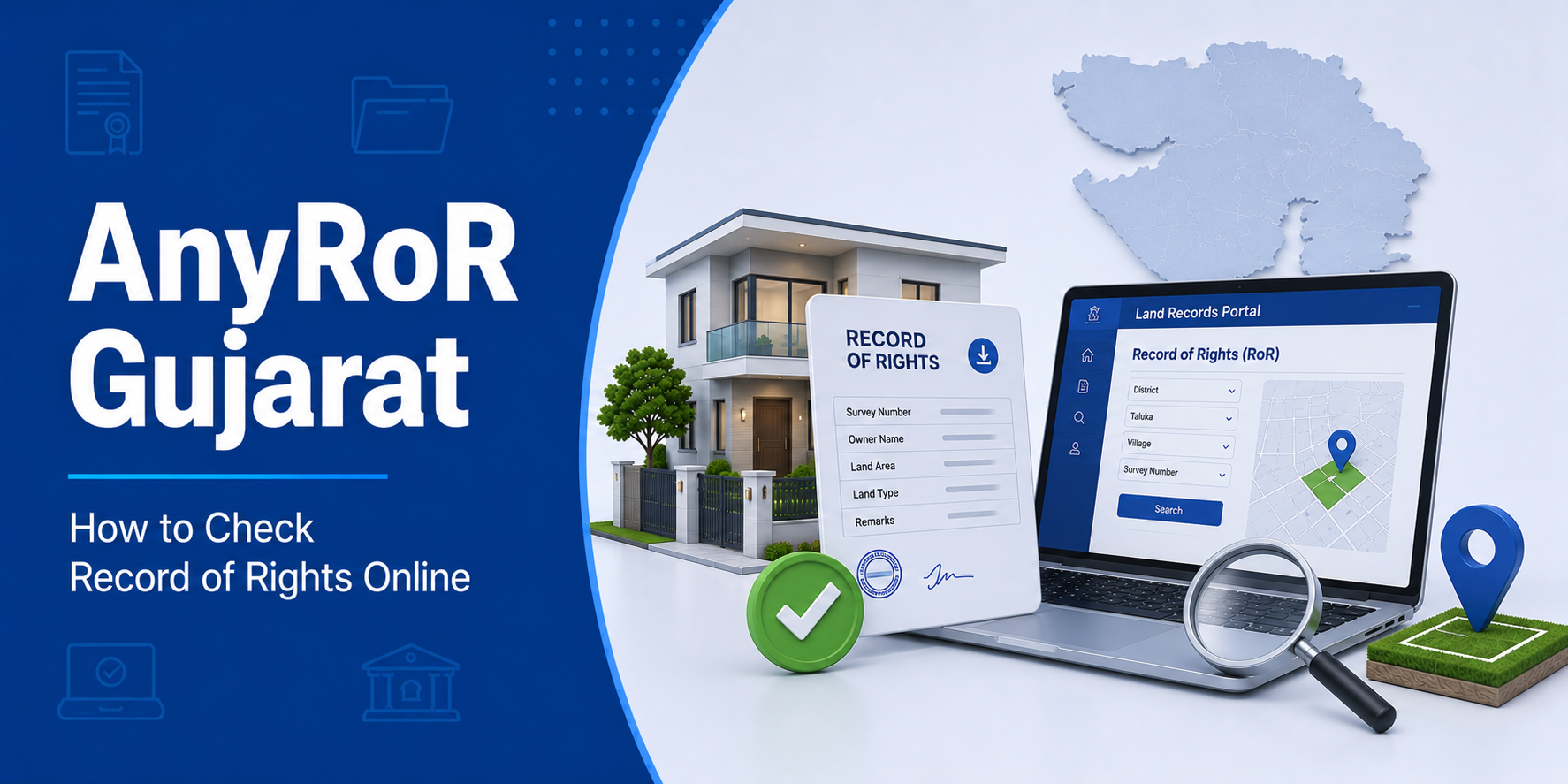

If you own land in Gujarat or are planning to buy property there, AnyRoR Gujarat is one of the most useful government portals you will come across. AnyRoR — short for Any Record of Rights — is the official online platform of the Gujarat government that gives citizens instant access to land records, ownership details, and village forms from anywhere, at any time. Whether you are verifying a property before purchase, checking encumbrances, or preparing documents for a home loan, this guide covers everything you need to know about AnyRoR Gujarat.
What Is AnyRoR Gujarat?
AnyRoR Gujarat is an online land records portal developed and maintained by the Gujarat government’s Revenue Department. It was launched as part of India’s Digital India initiative to make land records transparent, accessible, and tamper-resistant.
Full Form of AnyRoR: Any Record of Rights
The portal allows citizens to access:
- Village Form 6 (VF6) — Mutation Register
- Village Form 7 (VF7) — Record of Rights (similar to 7/12 in Maharashtra)
- Village Form 8A (VF8A) — Land Holding Register
- Village Form 12 — Cultivation details
- Digitally signed land record copies
- Land maps (Naksha)
- Urban land records
Official Portal: anyror.gujarat.gov.in
Quick Fact: Gujarat was among the first states in India to digitise its land records comprehensively, making AnyRoR one of the most advanced land record systems in the country.
What Records Are Available on AnyRoR?
Village Form 7 (VF7) — Record of Rights
VF7 is the most commonly accessed record on AnyRoR Gujarat. It is equivalent to the 7/12 extract in Maharashtra or the RoR in other states. It contains:
- Name of the landowner
- Survey number of the land
- Area of the land
- Type of land (agricultural, non-agricultural, government)
- Rights and liabilities associated with the land
- Encumbrances such as outstanding loans
VF7 is the primary document used to verify ownership of agricultural land in Gujarat.
Village Form 8A (VF8A) — Land Holding Register
VF8A shows the consolidated land holdings of a single owner across multiple survey numbers in one village. It is useful when you need to understand the total agricultural land a person holds.
Key details in VF8A:
- Khata number (account number)
- All survey numbers under one owner
- Total area of land holdings
- Type and classification of each parcel
Village Form 6 (VF6) — Mutation Register
VF6 records every change in land ownership or rights — through sale, inheritance, court order, or government acquisition. Checking VF6 is critical before any property transaction because it shows the complete history of mutations on a land parcel.
AnyRoR Urban
AnyRoR also provides access to urban property records through its AnyRoR Urban section. Urban land records include:
- Property ownership details in city survey areas
- Urban survey numbers
- Details relevant to municipal and corporation properties
How to Check Land Records on AnyRoR Gujarat
Step-by-Step: Check VF7 (Record of Rights)
Step 1: Visit anyror.gujarat.gov.in
Step 2: On the homepage, select “View Land Record — Rural” for agricultural land or “View Land Record — Urban” for city properties.
Next Step 3: Select your District, Taluka, and Village from the dropdown menus.
Step 4: Choose the record type — VF7, VF8A, VF6, or others.
Step 5: Enter the Survey Number or Khata Number and click Get Record Detail.
Next Step 6: The land record appears on screen. You can view or print it.
How to Check Land Owner Name on AnyRoR
- Go to anyror.gujarat.gov.in
- Select View Land Record — Rural
- Select district, taluka, and village
- Choose VF7
- Enter the survey number
- The owner’s name, area, and rights appear in the VF7 record
How to Check Jamin (Land) in Gujarat Online
“Jamin” simply means land in Gujarati. To check any land parcel online in Gujarat:
- Use the survey number to pull up the VF7 record on AnyRoR Gujarat
- Cross-check the owner’s name, area, and encumbrances
- Use VF6 to verify the complete mutation history of that parcel
How to Download 7/12 (VF7) PDF from AnyRoR Gujarat
AnyRoR Gujarat allows users to download land records as PDF files. Here is how:
- Follow the steps above to reach the VF7 record.
- On the record display page, click the Print or Download PDF option.
- A PDF of the VF7 will generate — save it to your device.
Note: The standard downloaded copy is for reference. For official use in property transactions, home loans, or courts, you need a digitally signed copy.
How to Get a Digitally Signed Copy from AnyRoR
- Visit anyror.gujarat.gov.in
- Click on “Digitally Signed VF7/VF8A”
- Log in or register using your mobile number (AnyRoR Digital Login)
- Select district, taluka, village, and survey number
- Pay the applicable fee online
- Download the digitally signed PDF
Digitally signed copies carry legal weight and are accepted by banks, courts, and government authorities.
AnyRoR Map (Naksha) — How to View Land Maps Online
AnyRoR Gujarat also allows users to view land maps (Naksha) online. This helps you:
- Identify the exact boundaries of a land parcel
- Understand adjacent land parcels
- Verify the shape and dimensions of a plot before purchase
How to view the AnyRoR Map:
- Visit anyror.gujarat.gov.in
- Select the Map / Naksha option
- Enter the district, taluka, village, and survey number
- The land map displays on screen
What Is 7/12 and 8A in Gujarat?
In Gujarat, land records follow a slightly different naming convention compared to Maharashtra:
| Maharashtra Term | Gujarat Equivalent | Purpose |
|---|---|---|
| 7/12 Extract | Village Form 7 (VF7) | Ownership and rights |
| 8A Extract | Village Form 8A (VF8A) | Consolidated land holdings |
| Mutation Entry | Village Form 6 (VF6) | Change of ownership history |
So when someone refers to “7/12 utara Gujarat,” they are referring to the VF7 record available on AnyRoR Gujarat.
AnyRoR and Home Loan Verification
When you apply for a home loan or a plot loan in Gujarat, lenders rely on AnyRoR Gujarat records to verify the property being offered as security. Here is what lenders typically check:
- VF7: To confirm legal ownership and area of land
- VF6: To check for recent mutations and change of ownership
- VF8A: To verify total land holdings of the applicant
- Encumbrance details: To ensure no existing loans or liabilities burden the land
If you are planning to purchase land in Gujarat and build a home, explore Home Construction Loan options that finance both land purchase and construction.
Use the Home Loan Eligibility Calculator to understand how much loan you may qualify for based on your income and property value.
Documents you should keep ready alongside AnyRoR records for a home loan:
- Digitally signed VF7 copy
- VF6 (mutation history)
- Registered sale deed
- Encumbrance certificate
- Identity and address proof
AnyRoR Digital Login
The AnyRoR digital login feature allows registered users to access premium services such as:
- Downloading digitally signed land records
- Accessing certified copies
- Applying for certain revenue services online
How to register for AnyRoR Digital Login:
- Visit anyror.gujarat.gov.in
- Click on the Login / Register option
- Enter your mobile number and verify via OTP
- Set your password and complete registration
- Log in to access premium and digitally signed record services
Common Issues and Solutions on AnyRoR Gujarat
Problem: Survey number not found
Solution: Double-check the district, taluka, and village selection. In Gujarat, sub-survey numbers are common (e.g., 45/1). Try entering just the main number first.
Problem: Owner name not matching
Solution: Names in government records may be entered differently. If mutation was done recently, it may take a few days to reflect online.
Problem: Website loading slowly
Solution: AnyRoR Gujarat sees high traffic. Try accessing the portal during non-peak hours such as early morning. The mobile version may also load faster.
Problem: Map not displaying
Solution: Enable JavaScript and disable browser extensions that may block map loading. Try a different browser if the issue persists.
Frequently Asked Questions (FAQs)
What is the purpose of AnyRoR Gujarat?
AnyRoR Gujarat provides citizens online access to land records including ownership details, mutation history, and land holding information. It helps property buyers, landowners, banks, and government authorities verify land rights quickly and transparently.
What is the full form of AnyRoR?
AnyRoR stands for Any Record of Rights. It is the Gujarat government’s official online land records portal managed by the Revenue Department.
How do I check Jamin (land) in Gujarat online?
Visit anyror.gujarat.gov.in, select View Land Record — Rural, choose your district, taluka, and village, select VF7, and enter the survey number to view details of any land parcel in Gujarat.
What is 7/12 and 8A in Gujarat?
In Gujarat, the equivalent of the 7/12 extract is Village Form 7 (VF7), which records ownership and rights. Village Form 8A (VF8A) shows consolidated land holdings of a single owner — equivalent to the 8A extract in other states.
How do I check the land owner name on AnyRoR?
Select VF7 on AnyRoR Gujarat, enter the survey number of the land, and the owner’s name along with area, rights, and encumbrances will be displayed.
Can I download a 7/12 PDF from AnyRoR Gujarat in Gujarati?
Yes. The VF7 record on AnyRoR Gujarat is displayed in Gujarati and can be downloaded as a PDF. For a legally valid copy, download the digitally signed version through the portal’s digital services section.
Is the AnyRoR map available for all villages in Gujarat?
The AnyRoR map (Naksha) is available for most villages in Gujarat. However, coverage may vary in some remote or newly surveyed areas. Check the portal directly for your specific village.
For more guides on land records, property documents, and home financing, visit the HomeFirst Blog or explore home loan options tailored for property buyers across India.





