Apna Khata Rajasthan: How to Check Land Records Online
Anurag Sodani • June 29, 2026
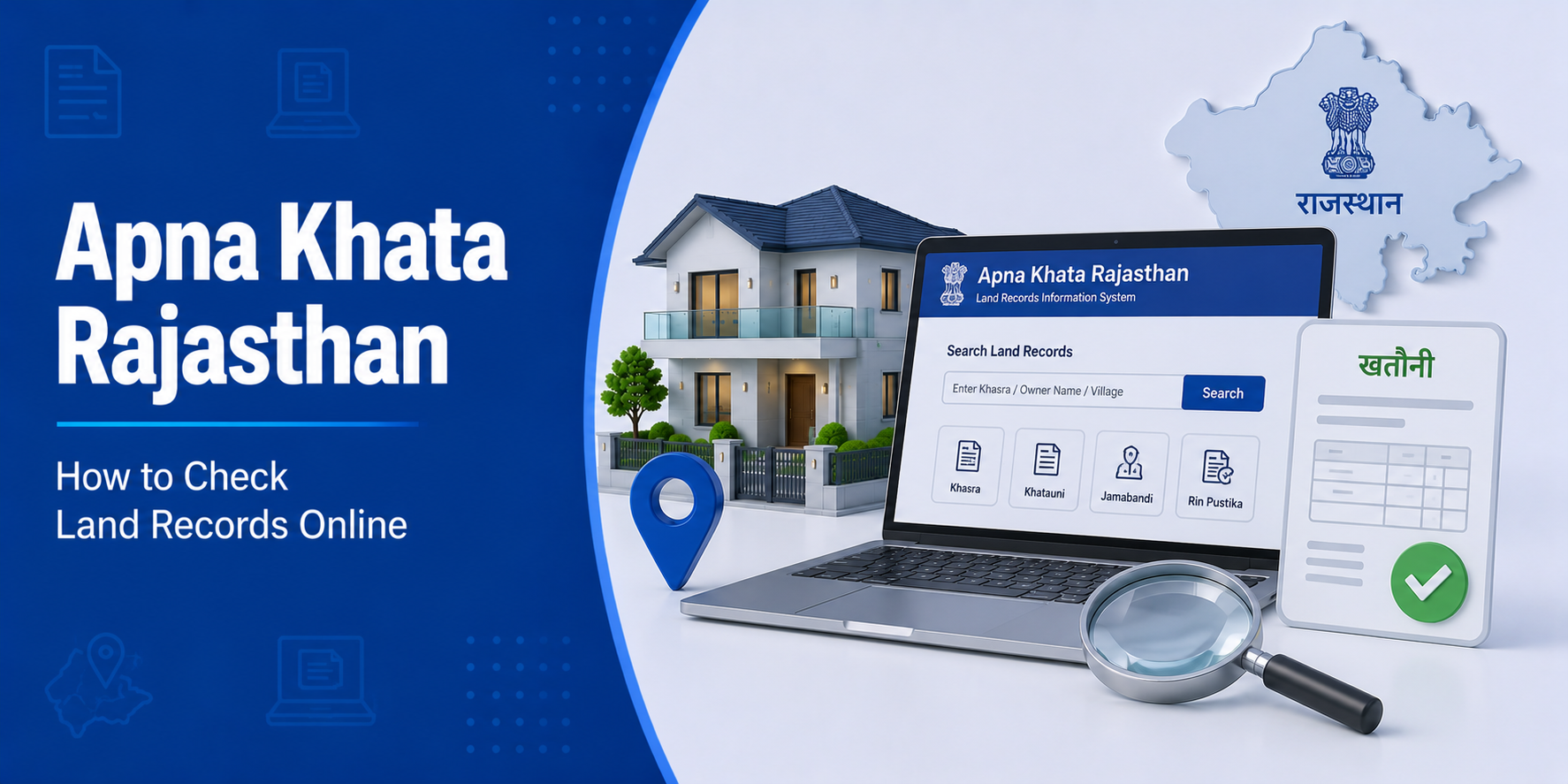

Rajasthan is one of India’s earliest states to digitise land records and make them publicly accessible. The Apna Khata Rajasthan land records portal — available at apnakhata.rajasthan.gov.in — allows any citizen to view Jamabandi details, download Nakal copies, check land ownership, and verify property records online without visiting a Patwari or revenue office. Whether you are a landowner, a property buyer, or a lender conducting due diligence, this guide explains exactly how to use it.
What is Apna Khata?
Apna Khata (literally “my account” in Hindi) is Rajasthan’s official online land records portal, launched by the Revenue Department under the state’s Digital India initiative. It serves as the single access point for:
- Jamabandi (Record of Rights) — the primary land ownership document
- Nakal (certified and non-certified copies of land records)
- Khasra details (plot-level land information)
- Khata details (account-level ownership information)
- Mutation (Naamantaran) status
- E-Dharti (integrated land and revenue records)
The portal makes Rajasthan one of the most accessible states for online land record verification. As of 2025–26, it covers all 33 districts and thousands of villages across the state.
What is Jamabandi in Rajasthan?
In Rajasthan, Jamabandi is the official Record of Rights — the document that records who owns a specific piece of land, what its classification is, and what rights or encumbrances are attached to it. It is the Rajasthani equivalent of the 7/12 in Maharashtra or the Khatauni in Uttar Pradesh.
A Rajasthan Jamabandi records:
- Khata number and Khatedar (owner) name
- Khasra numbers and sub-division details
- Total area and land classification (agricultural / barren / residential)
- Irrigation source and crop details
- Tenancy and mortgage details (if any)
- Government land rights (if any portion is government-owned)
Jamabandi is updated every five years in Rajasthan through a formal settlement process, though mutations are recorded between settlement cycles as and when transactions occur.
How to Check Apna Khata Rajasthan Online (Step-by-Step)
Checking Jamabandi / Nakal:
- Visit apnakhata.rajasthan.gov.in
- Click on “Apna Khata Dekhe” (View Your Account)
- On the map, click your District or select it from the dropdown
- Select your Tehsil from the list
- Select your Village / Gram Panchayat
- Choose the Jamabandi year
- Select your search type:
- By Khata number — enter the Khata number directly
- By Khasra number — enter the specific plot number
- By Owner Name (Khatedar name) — search by the landowner’s name
- By USN (Unique Survey Number) — for geo-referenced parcels
- Click “Nakal Dekhe” (View Nakal) — the Jamabandi Nakal appears on screen
- Use the print/download option to save as PDF
How to Download Nakal Jamabandi from Apna Khata
Rajasthan offers two types of Nakal through the Apna Khata portal:
E-Signed Nakal (Digitally Signed):
- Carry legal validity for official purposes
- Available for a nominal fee (typically ₹10–₹20 per copy)
- Can be downloaded after online payment
- Accepted by banks and courts for most purposes
Non-Certified Nakal (View Copy):
- Available free of charge
- Suitable for preliminary verification, due diligence, and reference
- Not accepted for formal court proceedings or loan final disbursement without official certification
To get the e-signed Nakal, select the e-sign option during the Nakal viewing step and complete the small fee payment through the portal.
What Information Does Apna Khata Jamabandi Contain?
| Field | Details Provided |
|---|---|
| Khata Number | Account number linking owner to their plots |
| Khatedar Name | Current owner’s name in revenue records |
| Khasra Numbers | Plot-level identifiers for each piece of land |
| Area | Total area in Bigha, Biswa, or Hectare |
| Land Type | Agricultural / Non-agricultural / Barren |
| Irrigation | Rain-fed / Canal / Well-irrigated |
| Encumbrances | Mortgage, tenancy, government rights |
| Mutation history | Previous owners and transfer dates |
How to Check Mutation Status on Apna Khata
Mutation (called Naamantaran in Rajasthan) is the process of updating the owner’s name in land records after a sale, inheritance, or gift. The Apna Khata portal tracks mutation status online.
To check mutation status:
- Visit apnakhata.rajasthan.gov.in
- Select “Mutation Status” from the menu
- Choose district, tehsil, and village
- Enter your mutation application number or Khata number
- The current status — pending / under review / approved / rejected — appears on screen
To apply for mutation online:
Rajasthan processes online mutation applications through the E-Dharti portal, which is integrated with the Apna Khata system. Upload your registered sale deed, ID proof, and relevant documents, pay the nominal fee, and track progress through the portal.
Using Rajasthan Land Records for Property Verification
Before buying property in Rajasthan, a thorough land records check through Apna Khata protects you from several risks:
Verifying seller ownership:
Pull the current Jamabandi Nakal using the owner’s name or Khata number. The seller’s name must match the current Khatedar entry. If it does not, mutation may be pending — get it completed before closing the transaction.
Checking encumbrances:
The Jamabandi records any existing mortgage (Rehn) or tenancy rights on the land. Always verify these entries carefully — a mortgaged plot cannot transfer cleanly until the loan is discharged.
Verifying land classification:
Agricultural land (classified as “Krishi Bhoomi” in the Jamabandi) cannot be used for residential construction without obtaining land use conversion (CLU) approval from the state government. Verify this before signing any purchase agreement.
Cross-checking with Encumbrance Certificate:
While Jamabandi records revenue-level ownership, the Encumbrance Certificate from the sub-registrar confirms all registered transactions (sales, mortgages). Use both together for complete verification.
Apna Khata and Home Loans in Rajasthan
When you apply for a home loan on property in Rajasthan, the lender’s legal team uses Apna Khata Jamabandi records as part of their title verification process. Specifically, they look for:
- Current owner’s name matching the applicant or seller
- Clean mutation records going back 30+ years
- Land classification confirming the plot is suitable for the loan purpose
- Absence of mortgage entries in the Jamabandi
A property with a clean, updated Jamabandi — showing the correct owner, no encumbrances, and a complete mutation chain — moves through legal verification significantly faster.
Estimate your monthly repayments upfront using a home loan EMI calculator, and ensure your property’s Jamabandi is clean before submitting the loan application.
FAQs on Apna Khata Rajasthan
Q: What is Apna Khata in Rajasthan?
Apna Khata is Rajasthan’s official online land records portal at apnakhata.rajasthan.gov.in. It provides access to Jamabandi (Record of Rights), Khasra details, and mutation records for all land parcels across the state’s 33 districts.
Q: How do I check Apna Khata Rajasthan online?
Visit apnakhata.rajasthan.gov.in, click “Apna Khata Dekhe,” select your district, tehsil, and village, choose your search type (by Khata, Khasra, or owner name), and view your Jamabandi Nakal instantly.
Q: Can I download Jamabandi Rajasthan as a PDF?
Yes. After viewing the Nakal on the Apna Khata portal, use the print/download option to save it as a PDF. For a legally valid copy, choose the e-signed Nakal option and pay the nominal fee through the portal.
Q: What is the difference between Khata and Khasra in Rajasthan?
A Khata is the account-level record that groups all plots owned by a specific owner in a village. A Khasra is the plot-level identifier — each individual piece of land has a unique Khasra number. One Khata can contain multiple Khasra numbers.
Q: How do I check mutation status on Apna Khata?
Select “Mutation Status” on the Apna Khata portal, choose your district, tehsil, and village, and enter your mutation application number or Khata number to see the current processing status.
Q: Is the online Jamabandi Nakal valid for a home loan application?
Free view-copy Nakal is accepted for preliminary verification. Most lenders require an e-signed Nakal (with digital signature from the Rajasthan government) for final loan processing. Some lenders may also request a certified copy from the Patwari.
Conclusion
The Apna Khata Rajasthan land records portal has made property verification in Rajasthan genuinely accessible. Whether you need to check Jamabandi by owner name, download a Nakal, verify a Khasra, or track a mutation — you can complete all of it online without visiting a single revenue office. For property buyers and home loan applicants, this digital access is an invaluable tool that reduces uncertainty and helps identify issues before they become costly problems. For more guidance on property documentation and housing finance, visit the HomeFirst Finance blog.





