RoR 1B in Andhra Pradesh: Meaning, Download Process & Property Verification
Anurag Sodani • June 29, 2026
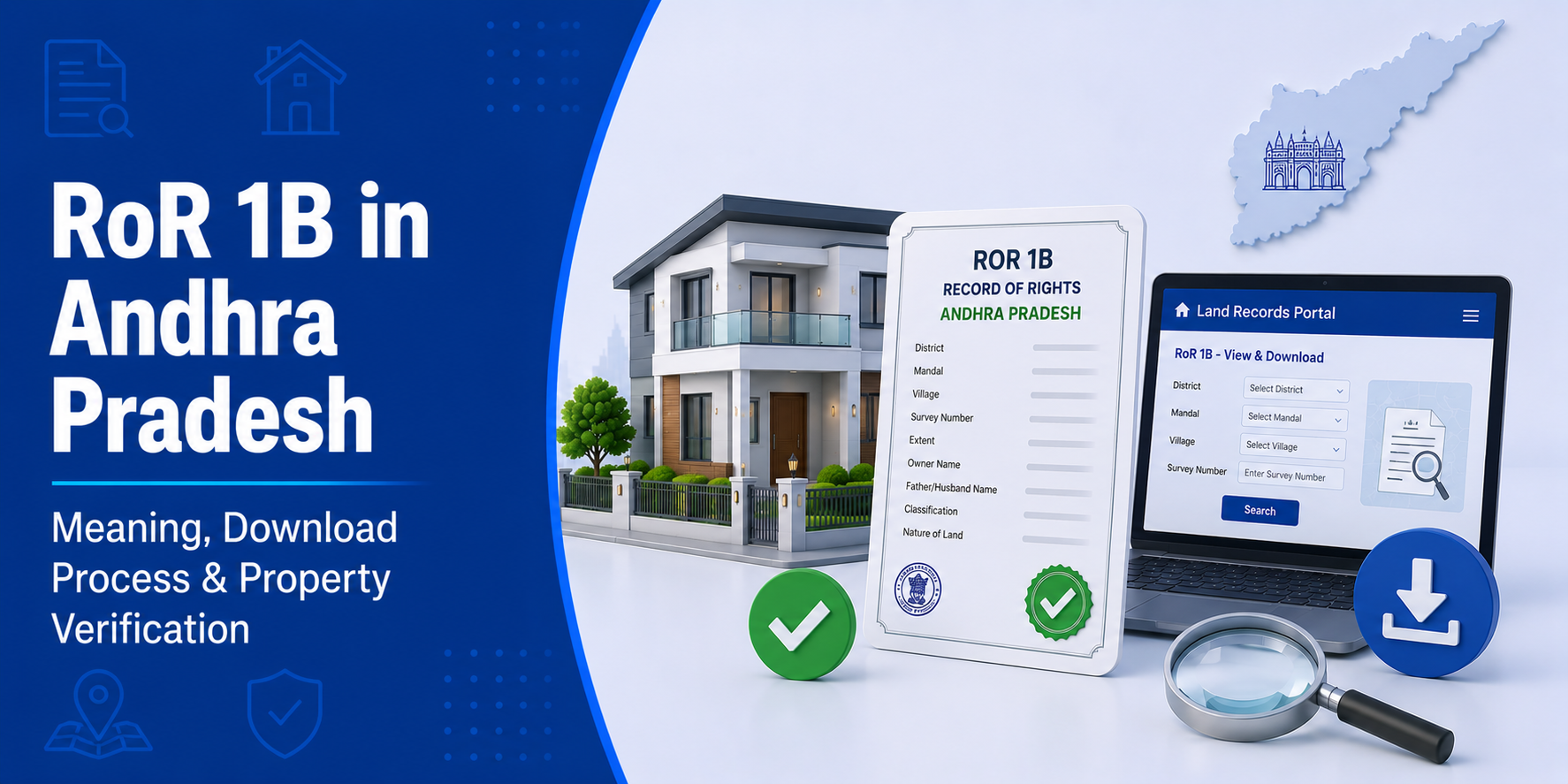

In Andhra Pradesh’s land record system, two documents sit at the heart of every property transaction — the Adangal and the RoR 1B Andhra Pradesh MeeBhoomi extract. While Adangal records what is happening on the land, RoR 1B records who legally owns it. For home loan applications, property purchases, and title verification, RoR 1B is the primary ownership document that lawyers, banks, and revenue officials refer to. This guide explains exactly what it contains, how to access it, and what to check before any transaction.
What is RoR 1B?
RoR 1B stands for Record of Rights — Form 1B. It is the ownership title record maintained by the Andhra Pradesh Revenue Department for every land parcel in the state. Form 1B specifically records the Pattadar (title holder/owner) details for a given survey number.
RoR 1B is part of AP’s broader Record of Rights framework, which was restructured after the Andhra Pradesh Rights in Land and Pattadar Passbooks Act, 1971. Under this system:
- Form 1A records possession details (who actually occupies and cultivates the land)
- Form 1B records title details (who legally owns the land)
For most property transactions and home loans, Form 1B is the more critical document because it establishes legal ownership — not just physical possession.
What Does RoR-1B Contain?
A RoR 1B extract from MeeBhoomi includes:
- Survey number and subdivision details
- Pattadar name — the legal title holder
- Extent — area of the parcel in acres or hectares
- Land classification — wet / dry / garden / forest / government
- Nature of title — how the owner acquired the land (purchase, inheritance, government allotment)
- Encumbrances — existing loans, mortgages, court attachments, or tenancy rights registered against the parcel
- Pattadar Passbook number — unique identifier linking the owner to their passbook record
- Mutation history — previous Pattadars and how ownership transferred
Difference Between RoR-1B and Adangal
| Feature | RoR 1B | Adangal (Pahani) |
|---|---|---|
| Records | Legal ownership (title) | Land use and crop details |
| Maintained by | AP Revenue Department | Village Revenue Officer (VRO) |
| Updated | After each mutation/transfer | Seasonally (Kharif and Rabi) |
| Primary use | Title verification, home loans | Agricultural verification, crop loans |
| Contains crop info? | No | Yes |
| Contains owner name? | Yes — primary ownership record | Yes — Pattadar name |
| Legal weight for title | Primary | Supporting |
For a complete property verification before purchase or loan, you need both documents — RoR 1B for ownership and Adangal for land use and encumbrance confirmation.
How to Download RoR-1B from MeeBhoomi (Step-by-Step)
Visit meebhoomi.ap.gov.in
- Click on “RoR 1B” from the top navigation menu
- Select your search method:
- By Aadhaar number — fetches all RoR 1B records linked to that Aadhaar
- By Account number — enter the Pattadar’s account/Khata number
- By Survey number — enter the specific plot survey number
- Choose District → Zone → Mandal → Village
- Enter the relevant number and click “Get Details”
- The RoR 1B extract appears on screen
- Click “Print” or “Download” to save as PDF
Is Aadhaar required?
Aadhaar-linked search is available and often the fastest method. However, survey number and account number searches work without Aadhaar for users who do not have their land records Aadhaar-linked.
RoR 1B and Pattadar Passbook — How Are They Related?
The Pattadar Passbook is a physical booklet issued to every Pattadar (landowner) in Andhra Pradesh under the AP Rights in Land and Pattadar Passbooks Act. It records the same ownership information as RoR 1B but in a passbook format issued to the owner.
- The Pattadar Passbook number appears in the RoR 1B extract
- Both documents carry the same legal standing for ownership proof
- For home loans and property transactions, lenders typically accept either — but many now prefer the MeeBhoomi RoR 1B extract due to its real-time accuracy
- If the Passbook details and the MeeBhoomi RoR 1B differ (due to a pending mutation), the MeeBhoomi record reflects the current status
How to Verify Land Ownership Using RoR 1B Before Buying Property
Before finalising any property purchase in AP, use RoR 1B for these specific verification checks:
Step 1 — Confirm seller’s name:
The Pattadar name in RoR 1B must exactly match the seller’s name and identity documents. Any mismatch means mutation is pending or the seller is not the legal owner.
Step 2 — Check encumbrances:
The RoR 1B lists mortgages, loans, court orders, and tenancy rights. A clean RoR 1B with no encumbrances confirms the property is free to transfer.
Step 3 — Verify land classification:
Agricultural land (wet/dry/garden) carries restrictions on use and mortgaging. Verify that the land classification in RoR 1B matches the stated purpose of your purchase.
Step 4 — Check mutation completeness:
If the previous owner recently sold the land, ensure the mutation in RoR 1B reflects the current seller as the Pattadar. An incomplete mutation is a significant legal risk.
Step 5 — Cross-verify with Adangal:
Compare the Pattadar name and extent (area) in RoR 1B with the Adangal extract. Discrepancies between the two records indicate data errors or potential fraud.
Why Lenders Need RoR 1B for Home Loans
When you apply for a home loan on an AP property, lenders treat RoR 1B as the primary title document. Their legal team checks:
- Current Pattadar name matches the applicant or seller
- No existing mortgage in the encumbrance section — a prior loan against the property must be cleared before a new loan is sanctioned
- Land classification is appropriate for the loan purpose (residential plot, not agricultural land without conversion)
- Mutation chain — a clean history of ownership transfers going back 30 years or more
A property with a clean RoR 1B — correct Pattadar, no encumbrances, appropriate classification — moves through legal verification significantly faster.
Use a home loan EMI calculator to plan your monthly repayments in parallel with property verification, so you are financially prepared when the legal process clears.
Mutation in AP Land Records — What Happens to RoR 1B?
Mutation is the process of updating RoR 1B after a property transfer. In Andhra Pradesh, mutation is managed through the MeeBhoomi system and the MRO (Mandal Revenue Officer) office.
After purchase:
- File for mutation at the MRO office with the registered sale deed, previous RoR 1B, and identity proof
- The VRO conducts a field verification
- The MRO approves the mutation
- The new Pattadar’s name reflects in the RoR 1B on MeeBhoomi
Mutation timeline: AP mandates mutation completion within 30–45 days of application under the Revenue Department’s service delivery standards.
You can track mutation status on meebhoomi.ap.gov.in under the mutation services section.
FAQs on RoR 1B Andhra Pradesh
Q: What is RoR 1B in Andhra Pradesh?
RoR 1B (Record of Rights Form 1B) is the legal ownership document for land in Andhra Pradesh. It records the Pattadar’s (owner’s) name, survey number, area, land classification, and encumbrances. It is the primary title document for property transactions and home loans in the state.
Q: How do I download RoR 1B from MeeBhoomi?
Visit meebhoomi.ap.gov.in, click “RoR 1B,” select your district, mandal, and village, search by Aadhaar number, account number, or survey number, view the extract, and download it as a PDF.
Q: What is the difference between RoR 1B and Adangal?
RoR 1B records who owns the land (title/ownership). Adangal records what is happening on the land (crop, cultivation, land use). Both are maintained on MeeBhoomi and both are needed for complete property verification.
Q: Is Aadhaar required to view RoR 1B on MeeBhoomi?
No. While Aadhaar-linked search is available, you can also search by survey number or account number without Aadhaar.
Q: Can I get a home loan using the MeeBhoomi RoR 1B extract?
The online MeeBhoomi extract is accepted for preliminary verification. For final loan disbursement, many lenders also request a certified copy from the MRO office, along with the Adangal and Encumbrance Certificate.
Q: What happens to RoR 1B after property mutation?
Once mutation is approved by the MRO, the new owner’s name (Pattadar) replaces the previous entry in RoR 1B on MeeBhoomi. The updated extract then reflects the current legal owner.
Conclusion
The RoR 1B Andhra Pradesh MeeBhoomi extract is the single most important document for establishing land ownership in the state. Whether you are buying property, resolving a dispute, or applying for a home loan, RoR 1B gives you a verified, government-backed record of who owns a piece of land and what encumbrances exist against it. Always download both RoR 1B and Adangal before any transaction, verify their consistency, and ensure mutation is complete in the seller’s name. For more guidance on property documentation and housing finance, explore the HomeFirst Finance blog.





